Integrations
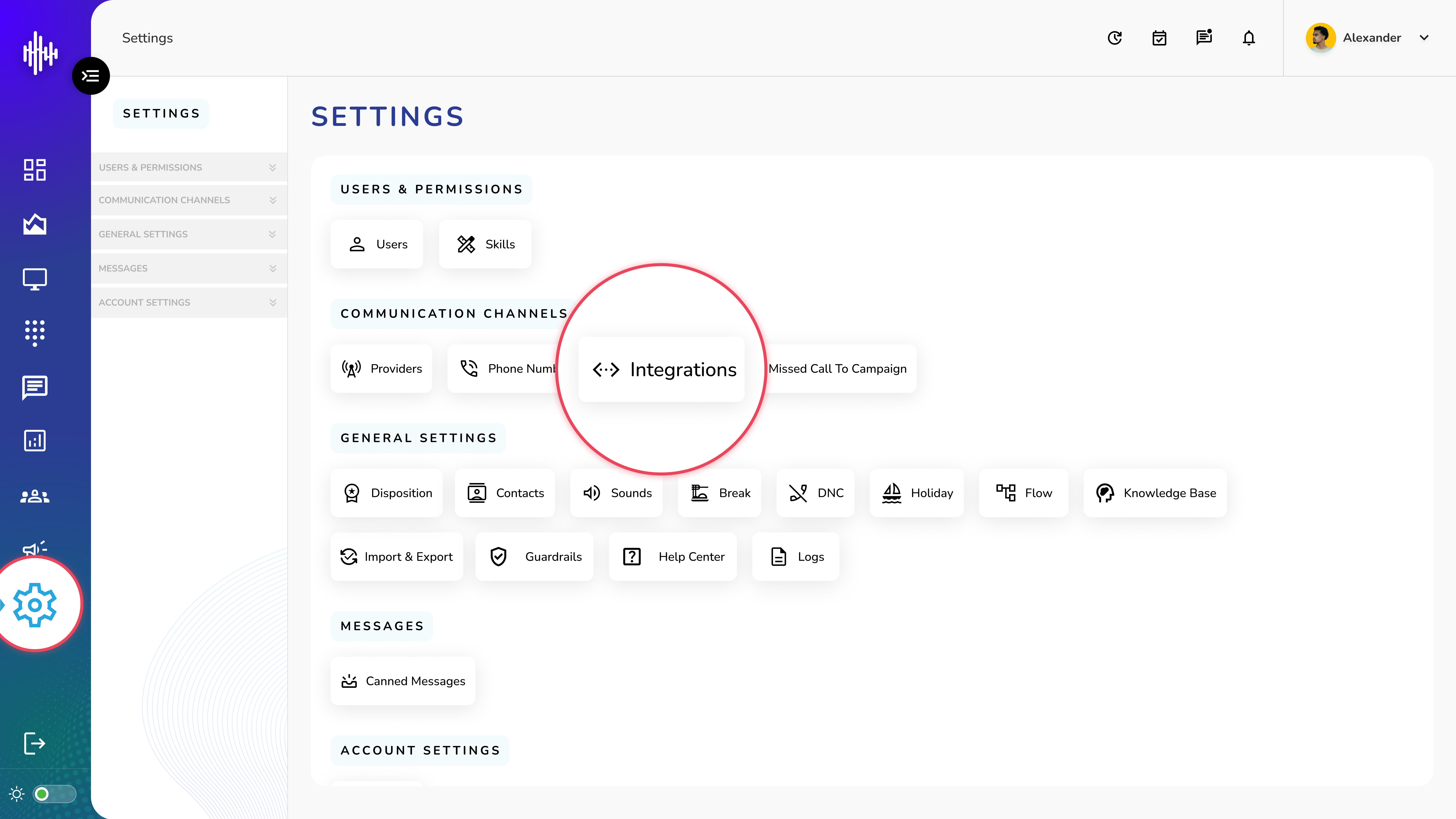
1. Login to your admin account
2. Click "Settings" from the left side menu
3. Click “Integrations” to access the Integration's details.
Integrations Management Guide
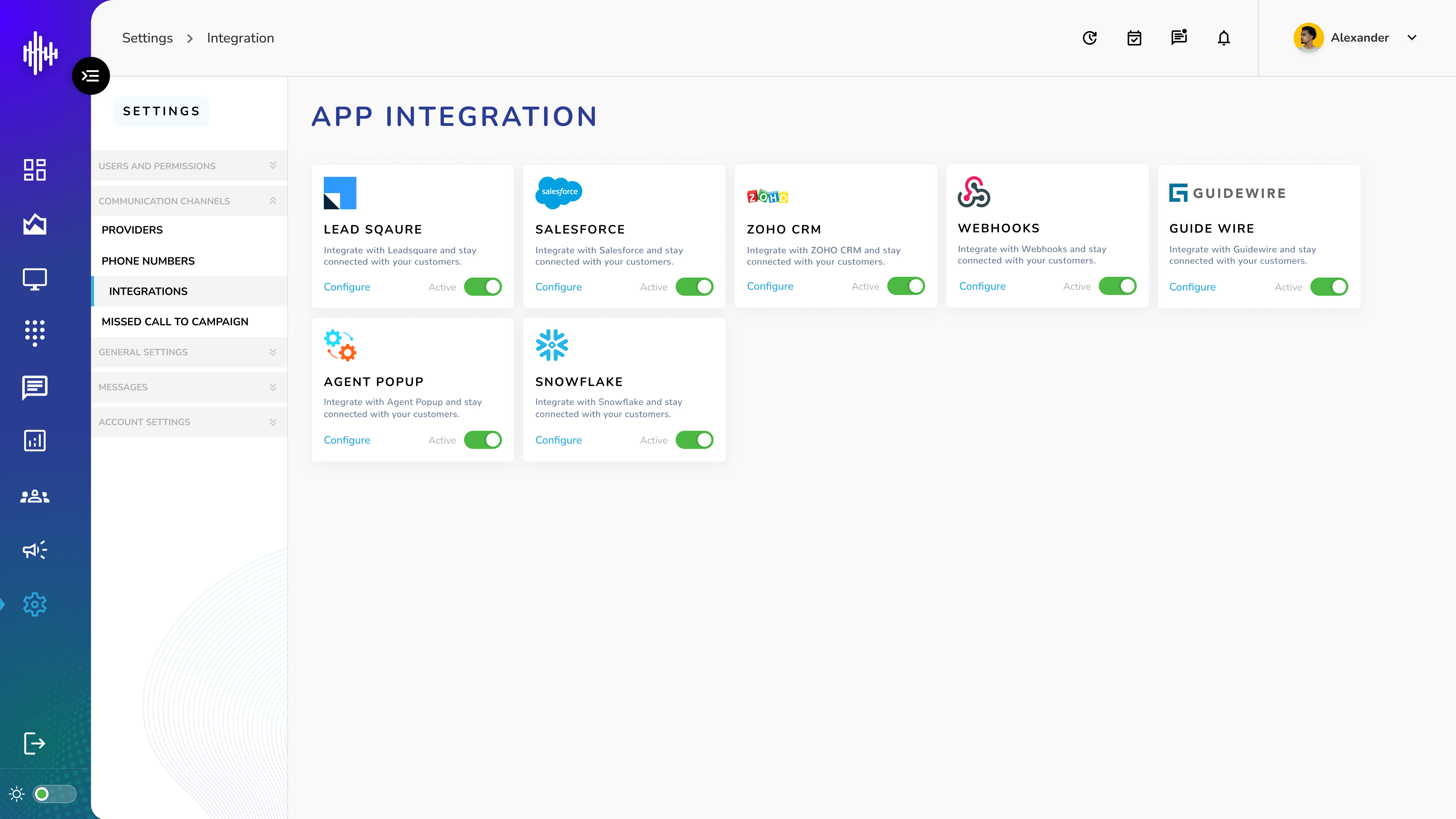
1. Available Integrations
| Integration | Description | Actions |
|---|---|---|
| Lead Square | Connect and manage customer data with LeadSquare | Configure, Active/Inactive toggle |
| Salesforce | Integrate with Salesforce CRM for customer management | Configure, Active/Inactive toggle |
| Zoho CRM | Connect with Zoho CRM for customer data sync | Configure, Active/Inactive toggle |
| Guide Wire | Link with GuideWire for customer connectivity | Configure, Active/Inactive toggle |
| Webhooks | Set up webhook connections for data integration | Configure, Active/Inactive toggle |
2. Integration Controls
a. For each integration:
i. Configure Button: Opens setup page for integration credentials
ii. Active Toggle: Enable/disable integration
iii. Status Indicator: Shows current connection status
3. Key Features
a. Each integration helps stay connected with customers
b. Easy toggle switches for quick activation/deactivation
c. Individual configuration options for each platform
d. Visual status indicators for active connections
Important Notes:
-
Configure each integration before activating
-
Only activate integrations currently in use
-
Save credentials securely
-
Test connection after configuration